

 Add to Chrome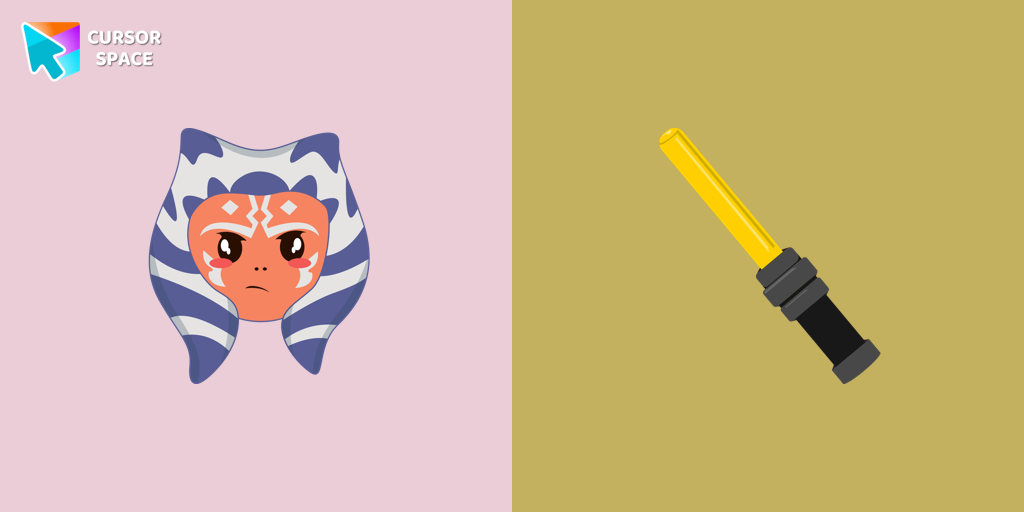
Ahsoka Tano Cursor
Transform your browsing with a custom cursor for Google Chrome featuring Ahsoka Tano. Add fan art style and a lightsaber hover effect to your cursor today.
Cursor Space is a free browser extension with 2,500+ custom cursors. Change your mouse pointer in one click - works on Chrome, Edge and Brave.
Works on Chrome, Edge, Brave and more


Transform your browsing with a custom cursor for Google Chrome featuring Ahsoka Tano. Add fan art style and a lightsaber hover effect to your cursor today.
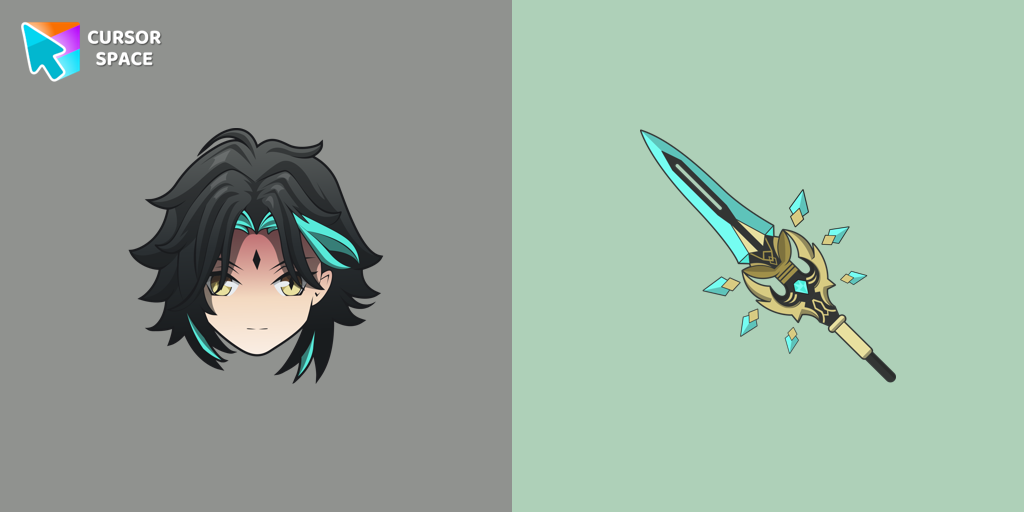
Add Xiao cursor in the collection of custom cursors with Genshin Impact for the browser.
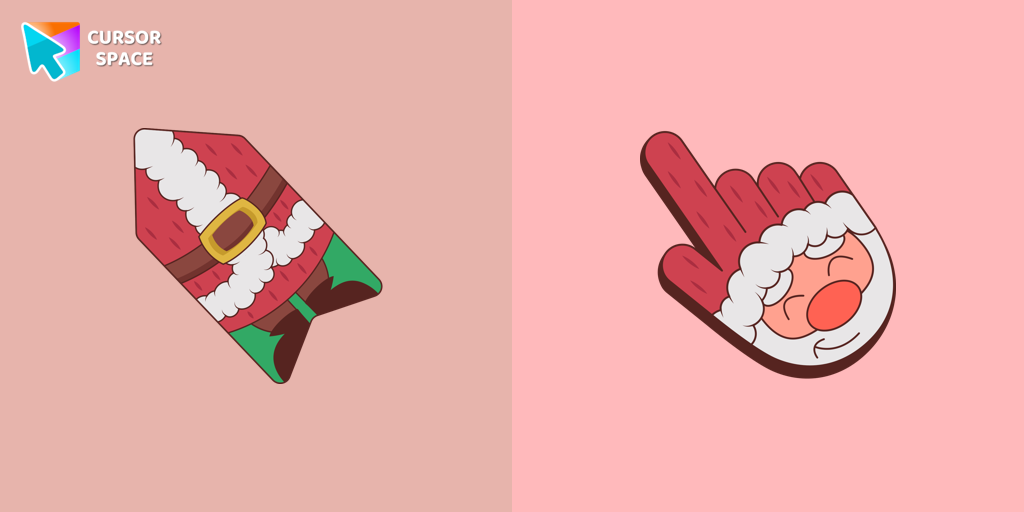
This unique Santa Claus cursor is part of an exclusive collection of festive Merry Christmas and Happy New Year cursors for the Chrome browser.
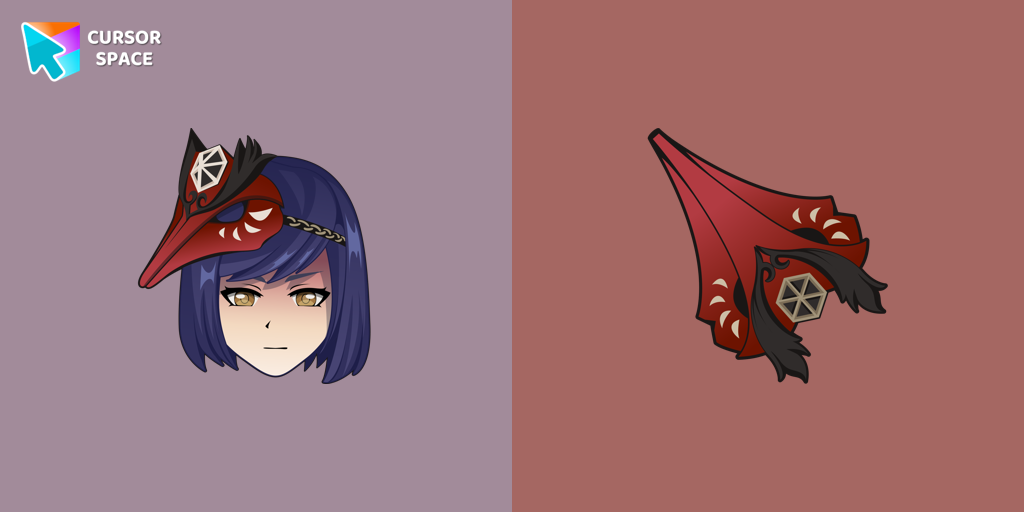
We are glad to present this cute custom cursor with Kujou Sara from the adorable custom cursors collection for the mouse and pointer.

Enjoy the New Year's tradition of toasting with our pixel-style Champagne custom cursor.

Cute Angry Birds cursor and pointer in our adorable custom cursors collection with Cute Pixel.

Explore "The Trendy Cursor" in our custom cursor collection. Enhance your default pointer with beautiful artwork for a chic, personalized browsing experience.
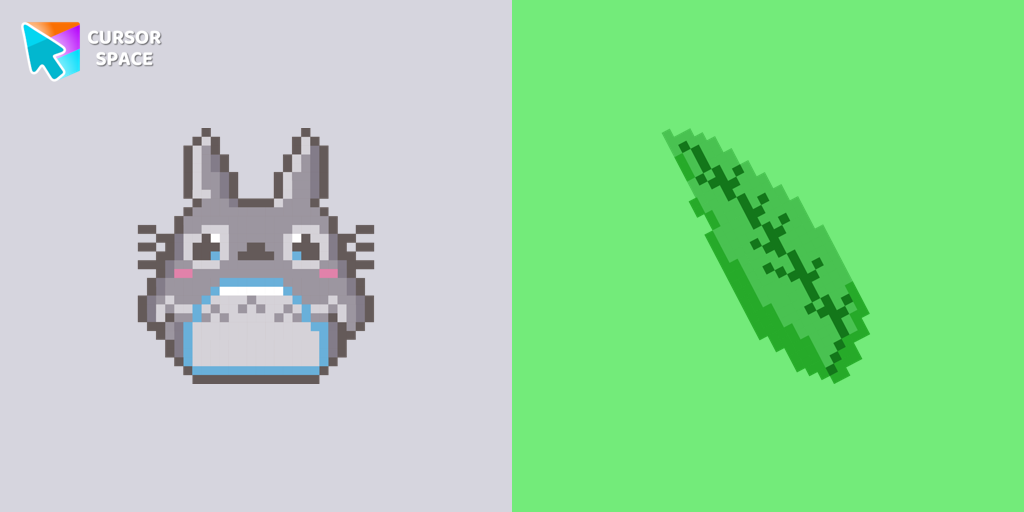
Totoro is a big, furry, cute, funny, and kind gray creature, the keeper of the forest invisible to adults, an anime movie character now in our Cute Pixel custom cursors collection for Chrome.

Bee cursor element is a cute custom mouse and pointer cursor with stylish pointing.

Monkey D. Luffy custom cursor from our Cute Pixel cursors collection for mouse and pointer.

Pac-Man custom cursor from our Cute Pixel cursors collection for mouse and pointer.
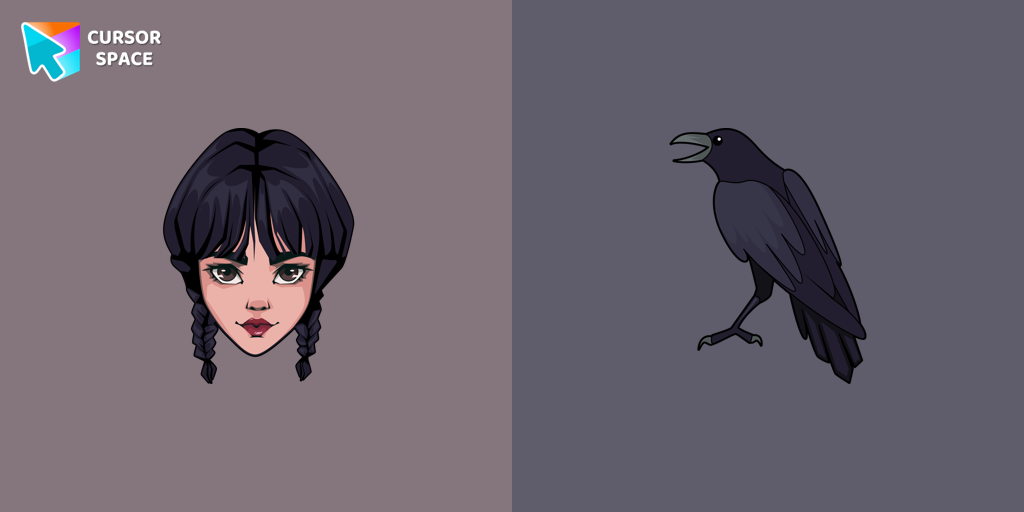
Wednesday custom cursor for a mouse is good fan art to decorate your browsing.
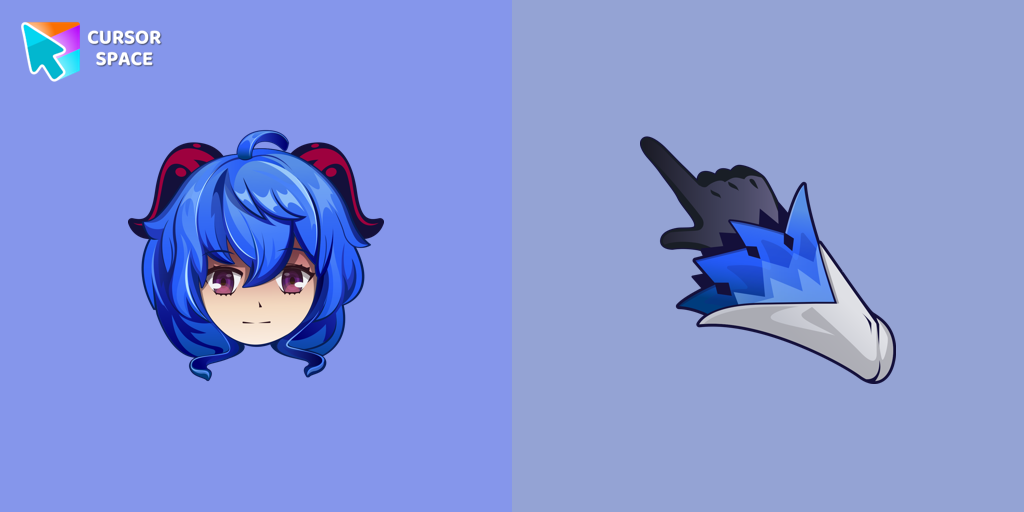
Ganyu custom cursor for a mouse is good fan art to decorate your browsing.
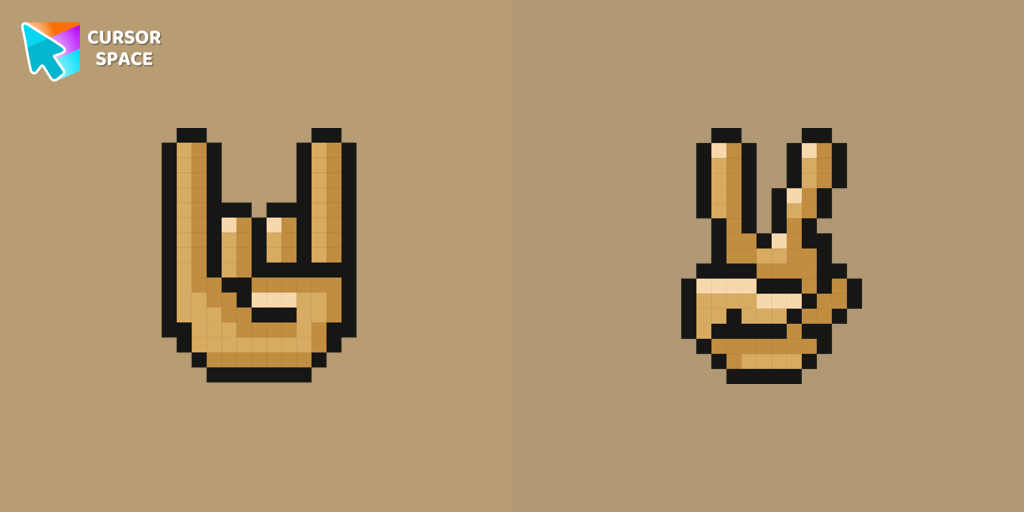
With a custom cursor with Gestures from our Cute Pixel custom cursors collection for Chrome, you can express your mood.

There is a custom cursor with an elf and a Santa Claus as a hover in a set of Cute Pixel cursors for Chrome.
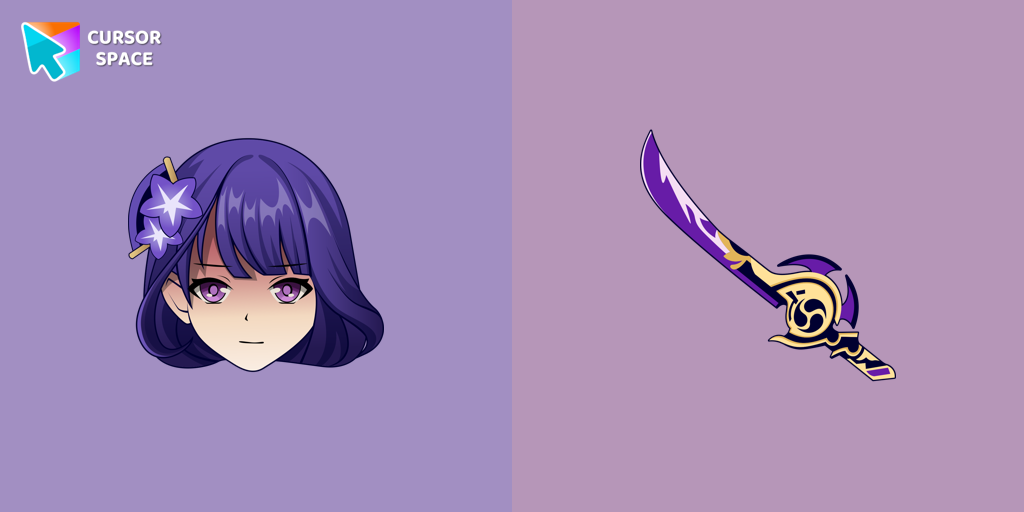
Incredible Raiden Shogun as a custom cursor for the mouse and pointer with which we can spend many hours of fun.
Get stunning custom cursors in three simple steps - free, fast, and no account required.
Add Cursor Space to Chrome, Edge, or Brave in one click from the Web Store.
Explore 2,500+ cursor packs - anime, gaming, cute, seasonal themes, and more.
Hit Add on any pack page - your new cursor is applied immediately across the web.
"Absolutely love this extension! My cursor has never looked better."
"So many cute cursors to choose from. Easy to install and use!"
"Best cursor extension out there. Works perfectly on Chrome."
Yes! Cursor Space is completely free. Browse and apply thousands of custom cursors at no cost.
Cursor Space works on Chrome, Edge, Brave, and other Chromium-based browsers.
Install the extension, browse cursor packs, and click "Add to Chrome" or use the Add button on any pack page.
Yes! Use our cursor constructor to create and upload custom cursors.
Absolutely. Cursor Space is trusted by over 1 million users with a 4.9 star rating.
Open the extension popup and click reset, or disable the extension from your browser settings.
Click on the button below to install the extension!
⭐⭐⭐⭐⭐
Your support means a lot and helps us grow further. Thank you!