

 Add to Chrome
1,388Cursor packs
Make Your Cursor Unforgettable
Cursor Space is a free browser extension with 1,388 custom cursors. Change your mouse pointer in one click - works on Chrome, Edge and Brave.
Works on Chrome, Edge, Brave and more


3,000Happy users
4.4/5User rating
95,994Downloads
New Cursor Packs
View all new packs →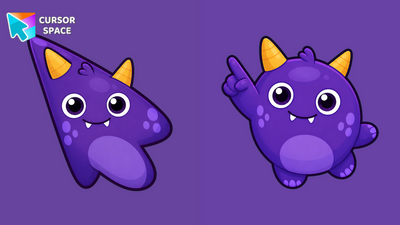
Plum Horn Monster Animated Cursor
Plum Horn Monster Animated Cursor on Cursor Space - dark purple horned round monster with an expressive blink and widening grin in four frames.
54 downloads
Glee Gazer Monster Animated Cursor
Glee Gazer Monster Animated Cursor on Cursor Space - sunny yellow tri-eye egg monster with an expressive blink and widening grin in four frames.
30 downloads
Wish Bear Animated Cursor
Wish Bear Animated Cursor on Cursor Space - teal teddy arrow with a wild kawaii eye and mouth blink in four frames.
33 downloads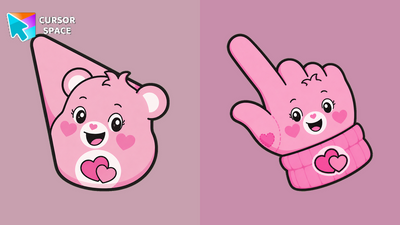
Love-A-Lot Bear Animated Cursor
Love-a-lot Bear Animated Cursor on Cursor Space - pink teddy arrow with a wild kawaii eye and mouth blink in four frames.
47 downloads
Tenderheart Bear Animated Cursor
Tenderheart Bear Animated Cursor on Cursor Space - warm brown teddy arrow with a wild kawaii eye and mouth blink in four frames.
19 downloads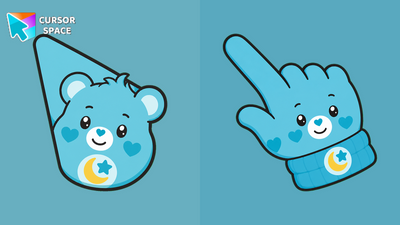
Bedtime Bear Animated Cursor
Bedtime Bear Animated Cursor on Cursor Space - sleepy aqua teddy arrow with a wild kawaii eye and mouth blink in four frames.
22 downloads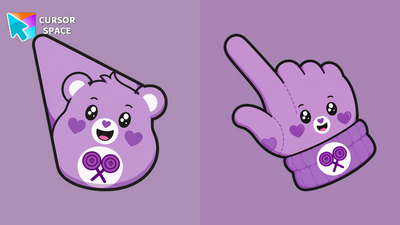
Share Bear Animated Cursor
Share Bear Animated Cursor on Cursor Space - purple teddy arrow with a wild kawaii eye and mouth blink in four frames.
21 downloads
Funshine Bear Animated Cursor
Funshine Bear Animated Cursor on Cursor Space - sunny yellow teddy arrow with a wild kawaii eye and mouth blink in four frames.
17 downloads




How It Works
Get stunning custom cursors in three simple steps - free, fast, and no account required.
Install the Extension
Add Cursor Space to Chrome, Edge, or Brave in one click from the Web Store.
Browse & Choose
Explore 2,500+ cursor packs - anime, gaming, cute, seasonal themes, and more.
Apply Instantly
Hit Add on any pack page - your new cursor is applied immediately across the web.
Loved by Users ❤
★★★★★
"Absolutely love this extension! My cursor has never looked better."
★★★★★
"So many cute cursors to choose from. Easy to install and use!"
★★★★★
"Best cursor extension out there. Works perfectly on Chrome."
Frequently Asked Questions
Is Cursor Space free to use?
Yes! Cursor Space is completely free. Browse and apply thousands of custom cursors at no cost.
Which browsers are supported?
Cursor Space works on Chrome, Edge, Brave, and other Chromium-based browsers.
How do I apply a cursor?
Install the extension, browse cursor packs, and click "Add to Chrome" or use the Add button on any pack page.
Can I upload my own cursors?
Yes! Use our cursor constructor to create and upload custom cursors.
Is it safe to use?
Absolutely. Cursor Space is trusted by over 1 million users with a 4.9 star rating.
How do I remove a cursor?
Open the extension popup and click reset, or disable the extension from your browser settings.