

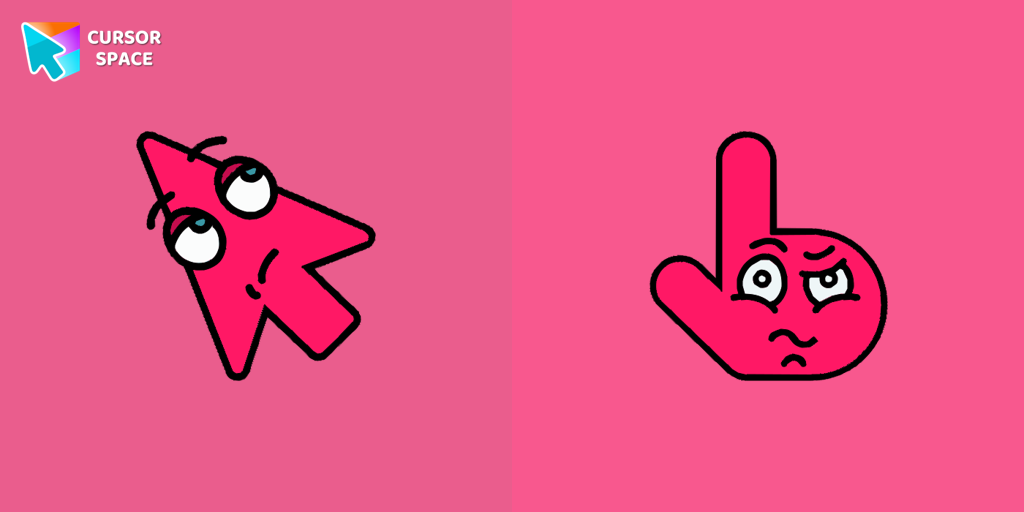
Boring Cursor
The Boring Cursor Emoji is a relatable custom cursor for Google Chrome that features a yawning emoji, perfect for expressing boredom while browsing or working.
29 downloads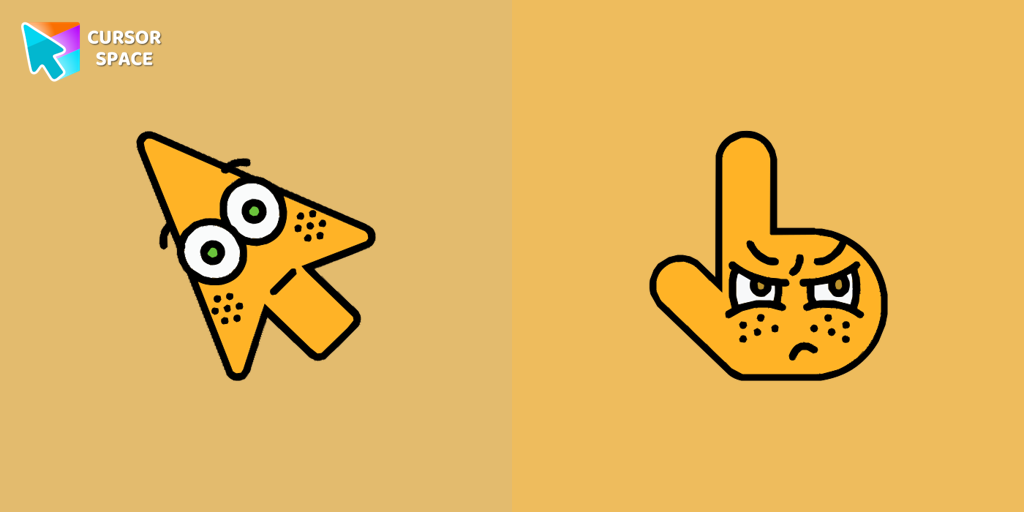
The Surprised Cursor is a fun custom cursor for Google Chrome that adds a quirky touch to your browsing. Enjoy an animated surprised face for a unique experience.
Move the slider to change cursor size inside the preview box.
Included cursors


The Surprised Cursor is an entertaining and quirky custom cursor option that adds an unexpected element of surprise to your browsing experience, making each interaction with your computer more enjoyable and lively.
This cursor features an animated image depicting a surprised face, which brings a touch of humor and excitement as you navigate through your computer tasks. By trying it out, you can enjoy the delightful surprise it brings, adding a fun twist to your usual computer routine!
The Boring Cursor Emoji is a relatable custom cursor for Google Chrome that features a yawning emoji, perfect for expressing boredom while browsing or working.
29 downloads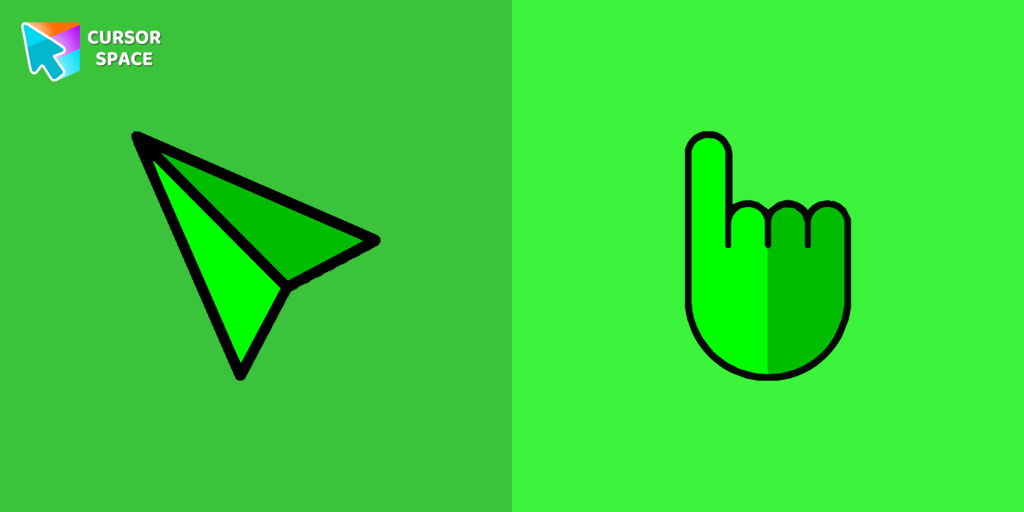
Experience the speed and precision of the Green Arrow custom cursor. Upgrade your browsing with this sleek custom cursor for Google Chrome today.
37 downloads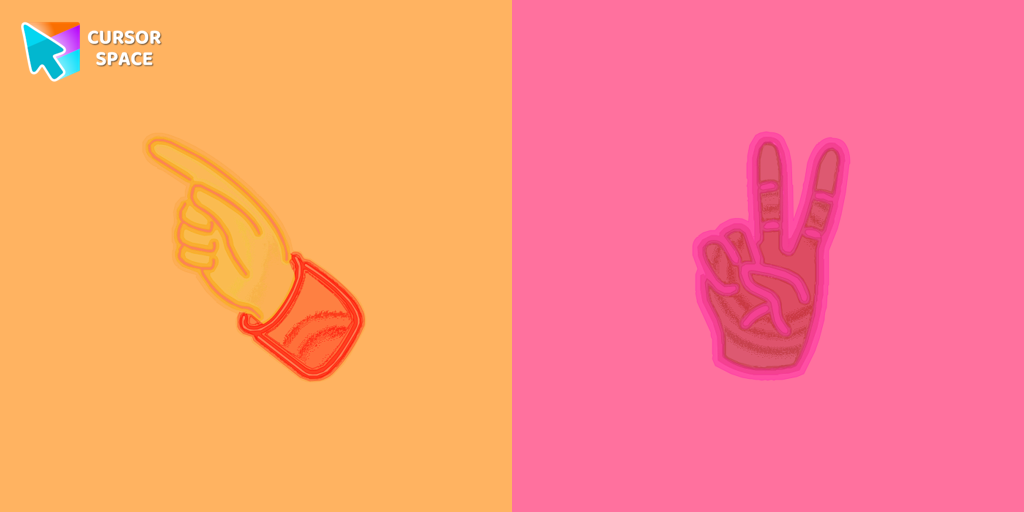
Pointer Neon Cursor is a customizable cursor option for those who want to add some color to their computer interface.
1,981 downloads
Baffle your friends with the On the Other Side custom cursor. This custom cursor for Google Chrome reverses mouse controls, turning navigation into a challenging task.
28 downloads
Experience a digital celebration with the playful custom cursor. Upgrade your browsing with a custom cursor for Google Chrome and add a festive touch.
26 downloads
Transform your browsing with the Forbidden Pointer custom cursor for Google Chrome. This fun prank cursor mimics a "no entry" sign, creating amusing and unexpected reactions.
1,831 downloads
Enhance your browsing with a cheerful touch using a custom cursor for Google Chrome. Bring joy to your screen with a fun and vibrant custom cursor.
26 downloads
Experience the magic of Disney with this custom cursor for Google Chrome. Celebrate iconic characters that bring joy and enchantment to your browsing.
31 downloadsClick on the button below to install the extension!
⭐⭐⭐⭐⭐
Your support means a lot and helps us grow further. Thank you!
 Add to Chrome