

 Add to Chrome
Monkey D. Luffy Pixel Cursor
Monkey D. Luffy custom cursor from our Cute Pixel cursors collection for mouse and pointer.
Cursor Space is a free browser extension with 2,500+ custom cursors. Change your mouse pointer in one click - works on Chrome, Edge and Brave.
Works on Chrome, Edge, Brave and more


Monkey D. Luffy custom cursor from our Cute Pixel cursors collection for mouse and pointer.

Bee cursor element is a cute custom mouse and pointer cursor with stylish pointing.
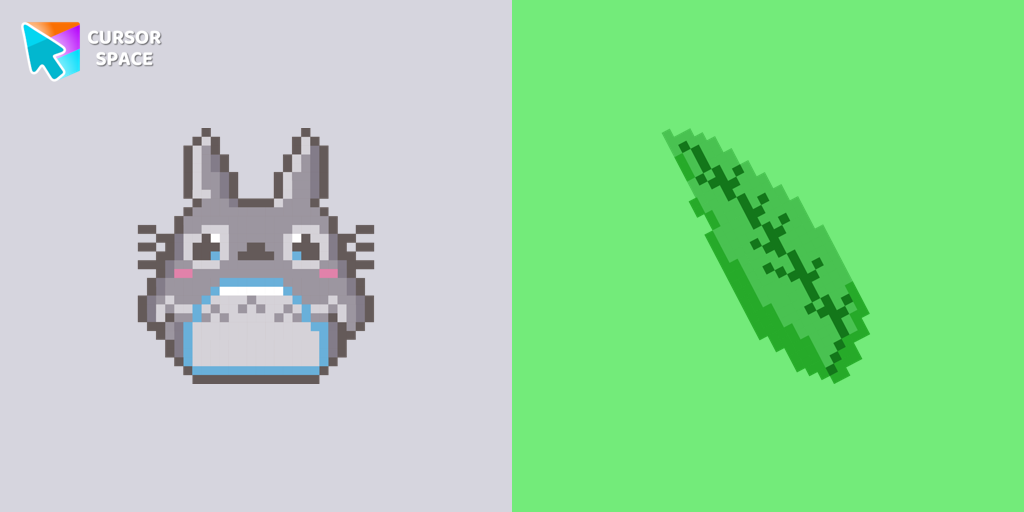
Totoro is a big, furry, cute, funny, and kind gray creature, the keeper of the forest invisible to adults, an anime movie character now in our Cute Pixel custom cursors collection for Chrome.

Blue Pixel Cursor is a custom cursor from our custom cursors collection for Chrome.
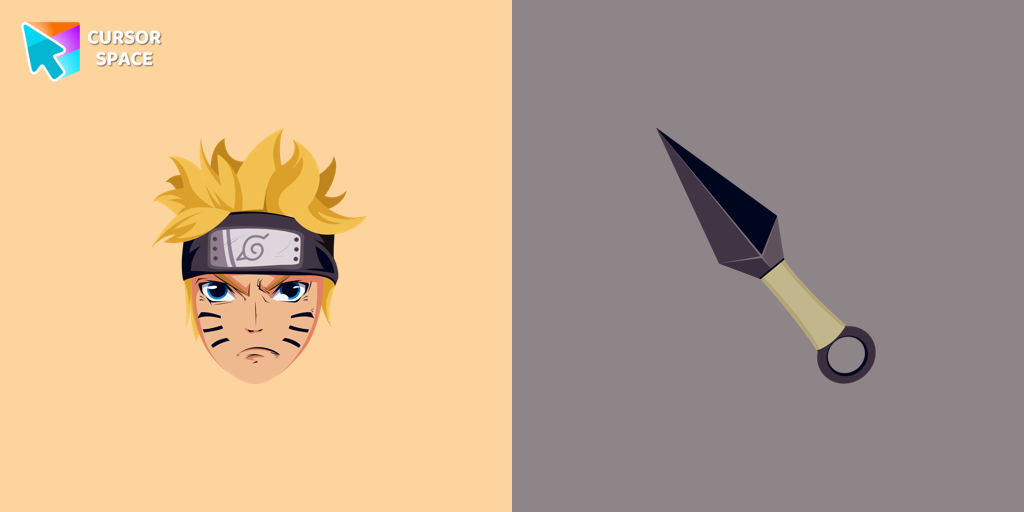
Custom cursor with Naruto Uzumaki from our custom cursors collection with manga characters.
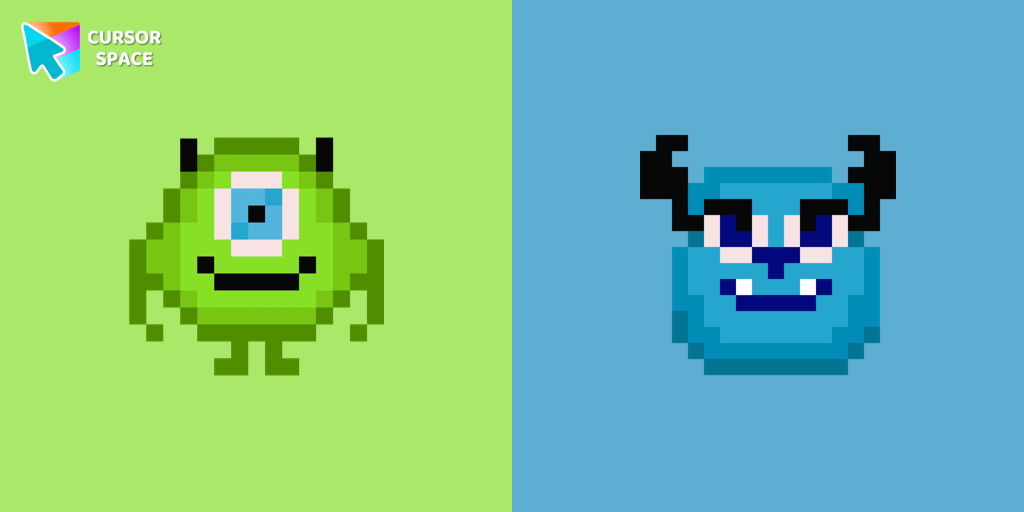
Cute custom cursor with Monsters, Inc includes a mouse cursor in the form of Mike Wazowski and a hover pointer with James P. Sullivan.

Harley Quinn Kitty Cursor was created especially for Halloween for our Hello Kitty custom cursors collection for Chrome.
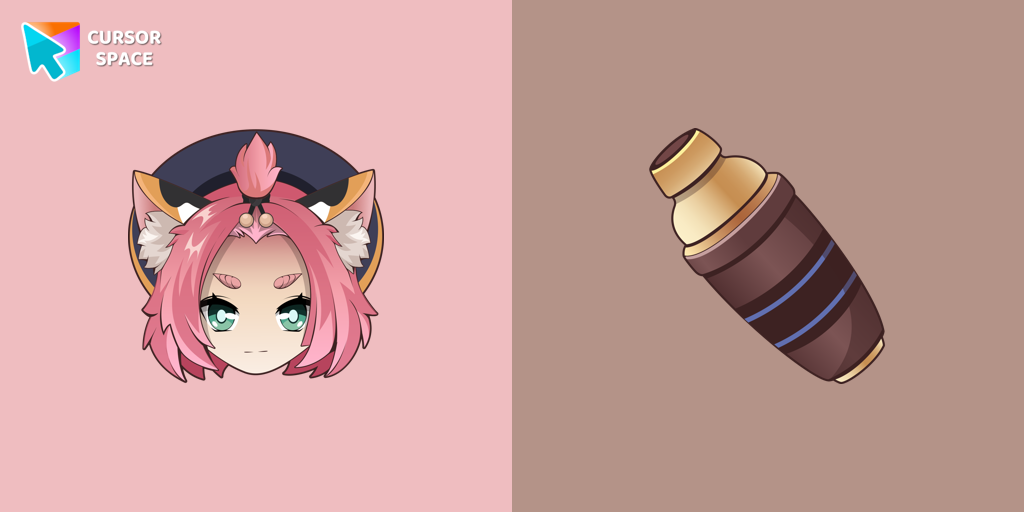
Diona cursor element is a cute custom mouse and pointer cursor with stylish pointing.
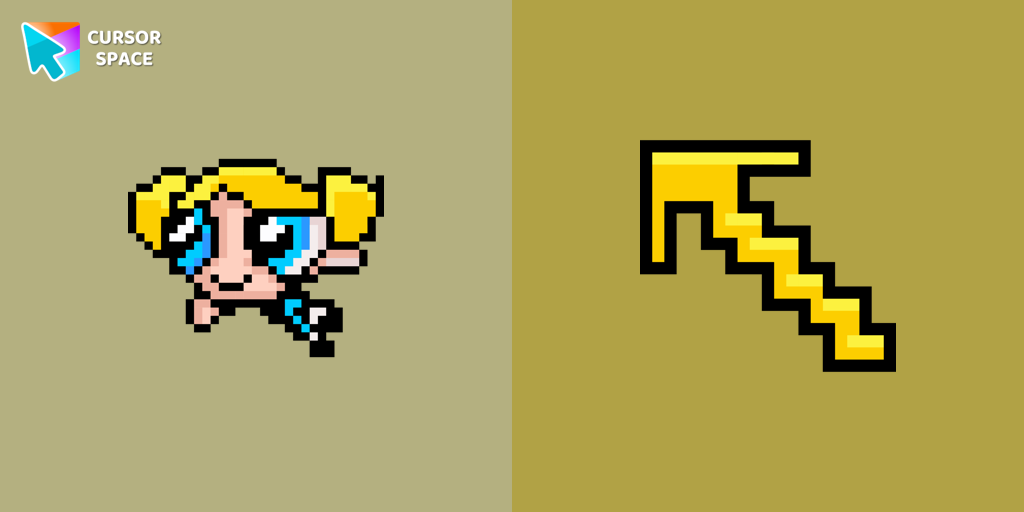
Pretty Bubbles Pixel cursor will change the usual mouse cursor to a cute one from our Cute Pixel collection.
Harley Quinn Kitty Cursor was created especially for Halloween for our Hello Kitty custom cursors collection for Chrome.
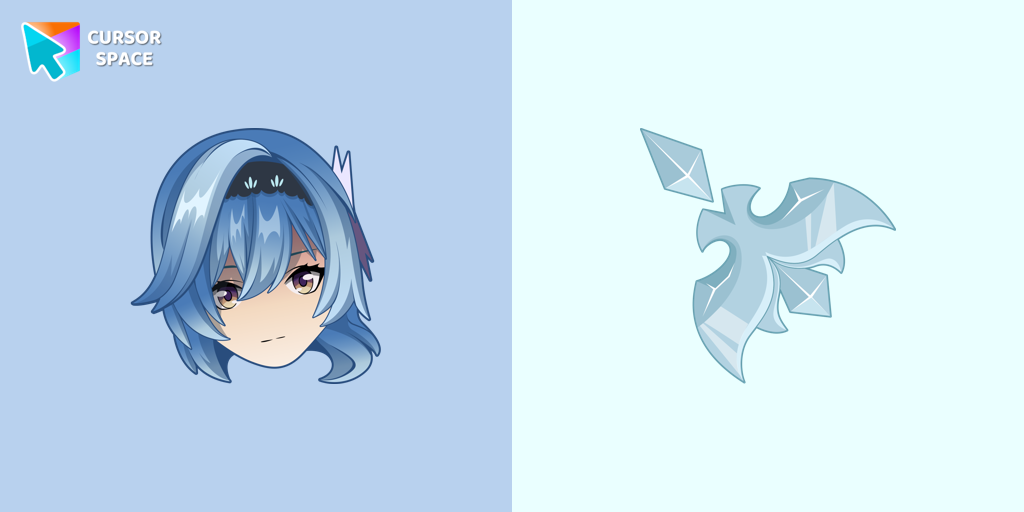
Eula cursor for mouse and custom hover pointer with character's weapon in Genshin Impact collection of custom cursors.
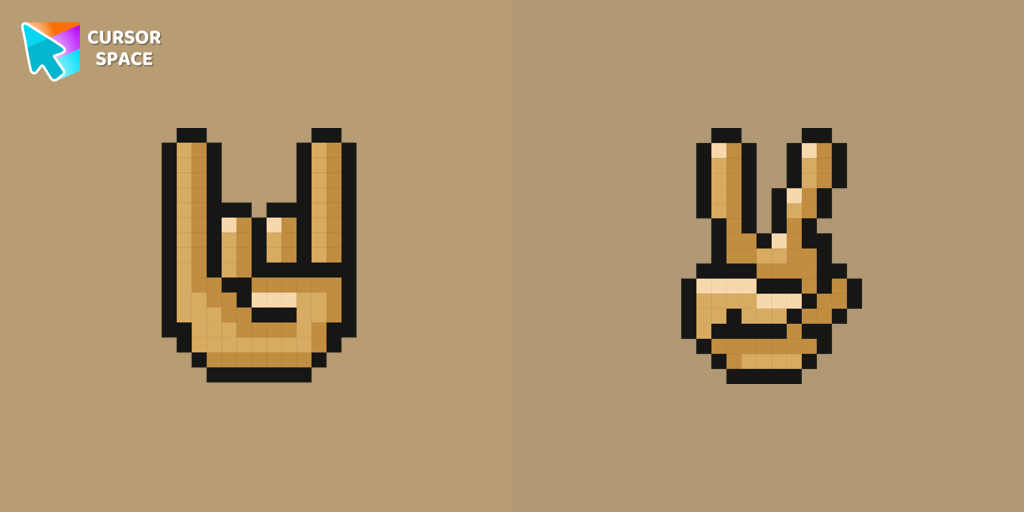
With a custom cursor with Gestures from our Cute Pixel custom cursors collection for Chrome, you can express your mood.
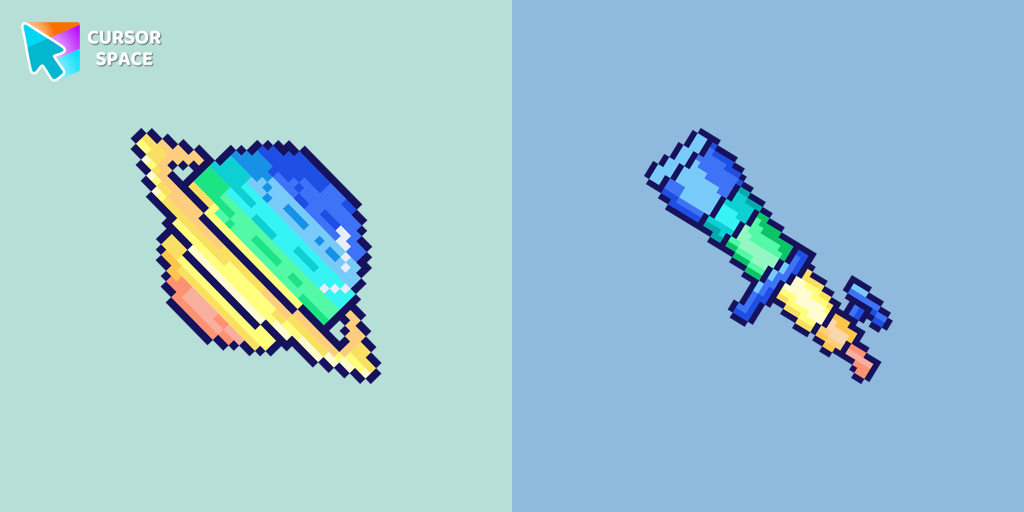
Saturn Pixel custom cursor from our Cute Pixel cursors collection for mouse and pointer.
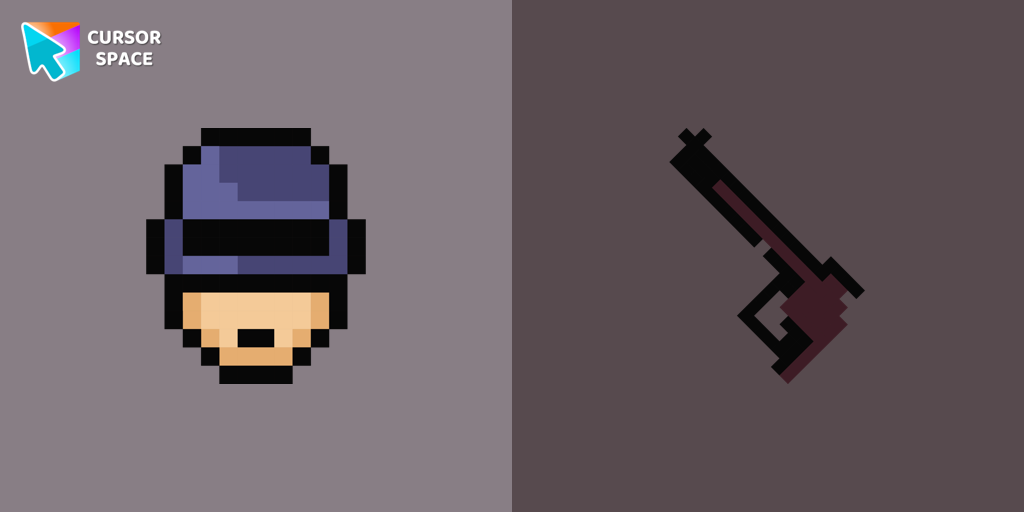
RoboCop Pixel as a custom cursor for Chrome. Now you can get cursor with RoboCop Pixel for your browser.
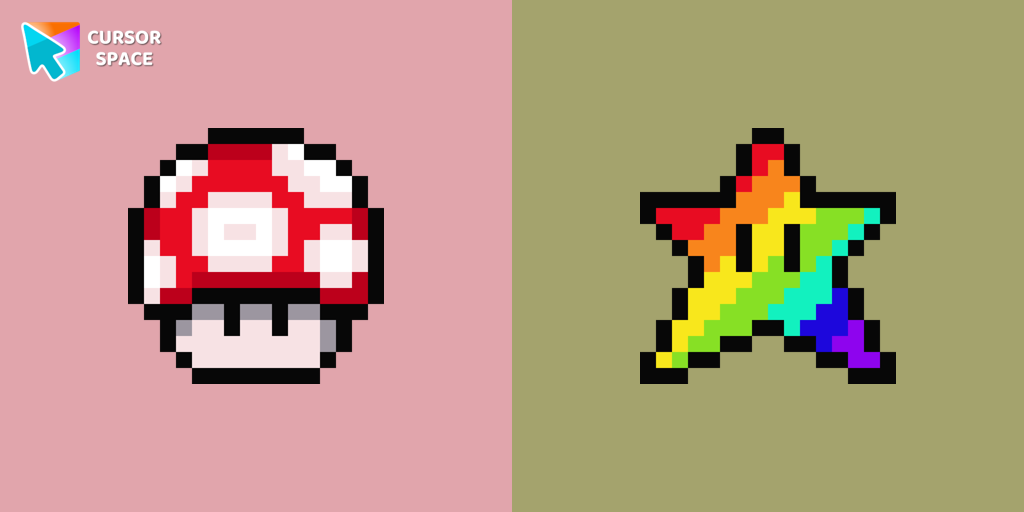
Cute custom cursor with Super Mario includes a mouse cursor in the form of super mushroom and a hover pointer with the star.

There is a custom cursor with an elf and a Santa Claus as a hover in a set of Cute Pixel cursors for Chrome.
Get stunning custom cursors in three simple steps - free, fast, and no account required.
Add Cursor Space to Chrome, Edge, or Brave in one click from the Web Store.
Explore 2,500+ cursor packs - anime, gaming, cute, seasonal themes, and more.
Hit Add on any pack page - your new cursor is applied immediately across the web.
"Absolutely love this extension! My cursor has never looked better."
"So many cute cursors to choose from. Easy to install and use!"
"Best cursor extension out there. Works perfectly on Chrome."
Yes! Cursor Space is completely free. Browse and apply thousands of custom cursors at no cost.
Cursor Space works on Chrome, Edge, Brave, and other Chromium-based browsers.
Install the extension, browse cursor packs, and click "Add to Chrome" or use the Add button on any pack page.
Yes! Use our cursor constructor to create and upload custom cursors.
Absolutely. Cursor Space is trusted by over 1 million users with a 4.9 star rating.
Open the extension popup and click reset, or disable the extension from your browser settings.
Click on the button below to install the extension!
⭐⭐⭐⭐⭐
Your support means a lot and helps us grow further. Thank you!